Gradient
4K UHD
Open Studio
Abstract & Effects4 Presets
Abstract Background
Futuristic non-representational geometries, quantum fluid dynamics, and generative visual compositions.
Geometric & Fluid CompositionStudio
Experience 10 procedural animated live themes (Cosmic Nebula, Quantum Fluid Mesh, Cyber Neon Grid, Matrix Rain, Bokeh Glow) with real-time velocity controls and 1-click full screen mode.
Discover full-screen background collections organized by actual smooth gradients, fluid meshes, rich physical textures, and evocative cultural & seasonal themes.
Futuristic non-representational geometries, quantum fluid dynamics, and generative visual compositions.
Continuous smooth tonal transitions, radial luminescence, and cinematic multi-point color bleeds.
Dreamy out-of-focus luminous orbs, shallow depth of field, and ambient photographic light flares.

Geometric repeating motifs, isometric tessellations, and rhythmic matrix grids.

Raw industrial distressed textures, analog film dust, and heavy concrete grain.

Volumetric ethereal vapor, mysterious dark mist, and flowing atmospheric plumes.
Matrix digital cascades, bio-luminescent emerald pulses, and cybernetic organic nodes.

Minimalist architectural curves, sculpted titanium surfaces, and pure high-key origami forms.

Deep oceanic abyss to cyber sapphire horizons, evoking trust, serenity, and intelligence.
Multi-point organic color blurs, iridescent velvet folds, and fluid modern aesthetic meshes.
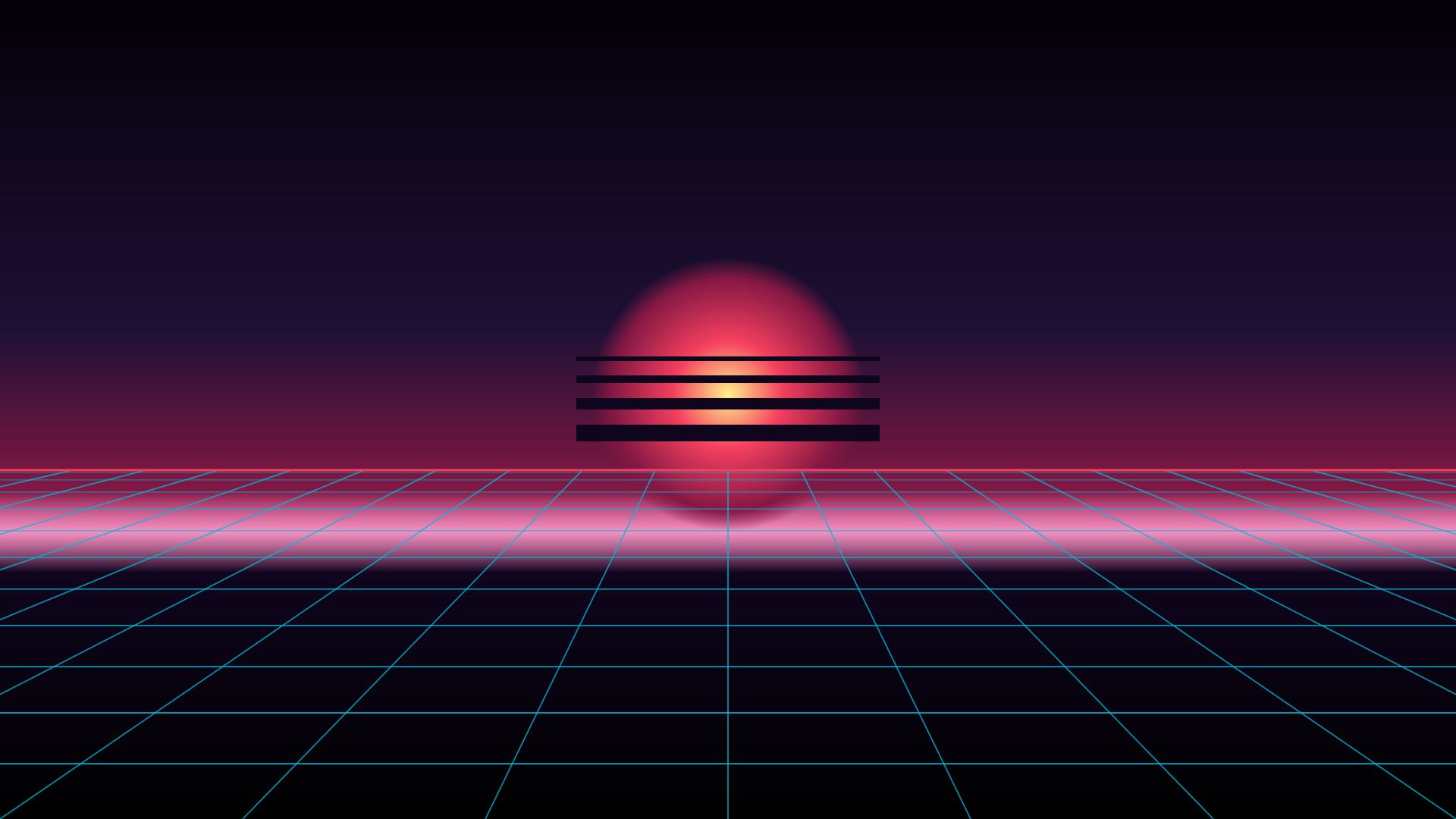
Retro 80s synthwave wireframes, cyberpunk laser matrixes, and glowing digital horizons.

Opulent obsidian gold veins, Art Deco luxury foil, and royal metallic contrasts.
Vibrant full-spectrum rainbow diffusions, chromatic prism splits, and kaleidoscopic energy.

High-energy electric lime, chartreuse acid gradients, and citrus vitality.

Crisp Arctic frost, nautical precision, and clean high-contrast corporate minimalism.

Soft studio alabaster, frosted titanium gray, and glare-free daylight canvas.
Twill weave composite, matte stealth forged carbon, and aerospace motorsport textures.
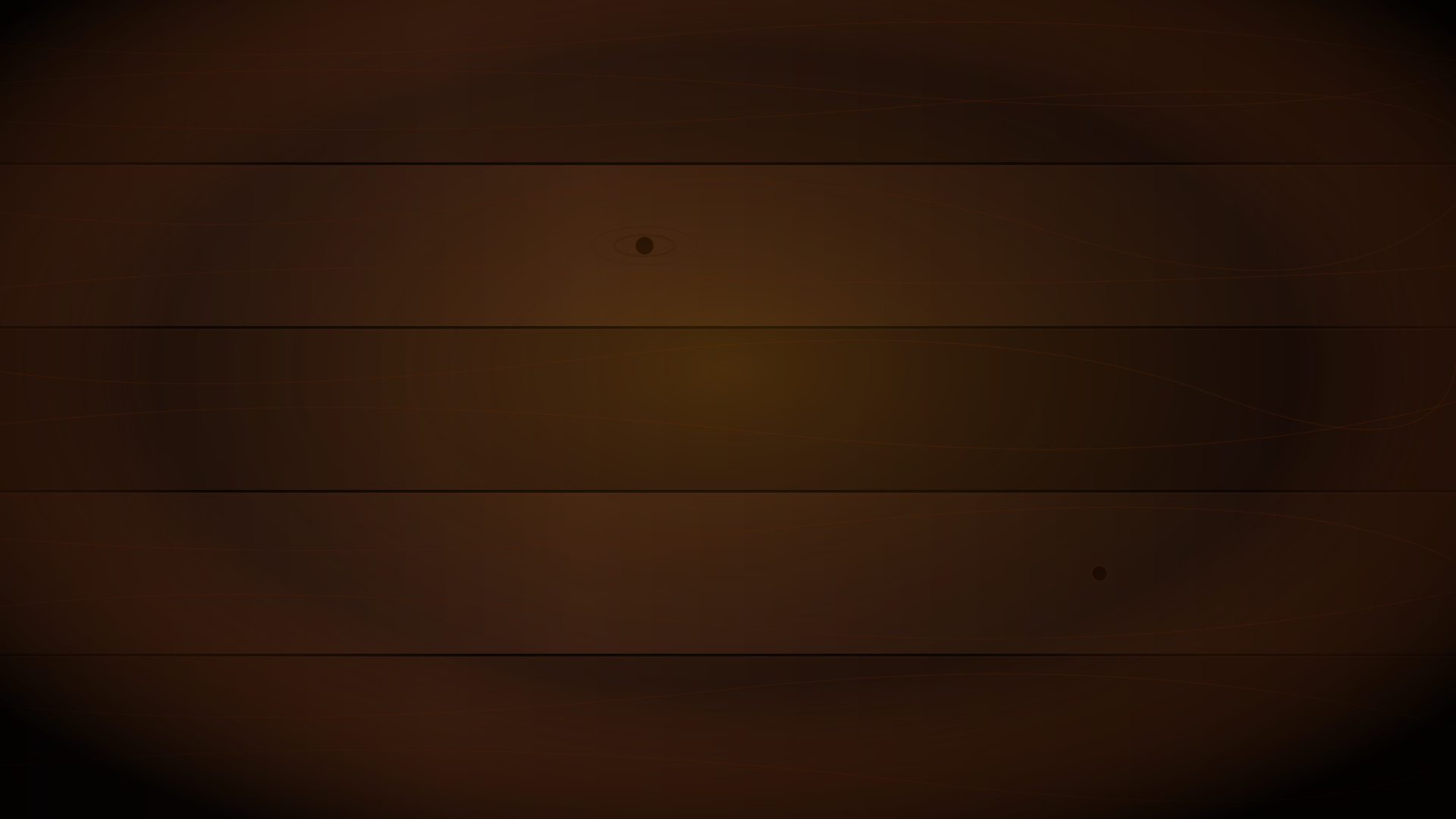
Smoked black walnut grain, charred Shou Sugi Ban timber, and Scandinavian dark oak planks.
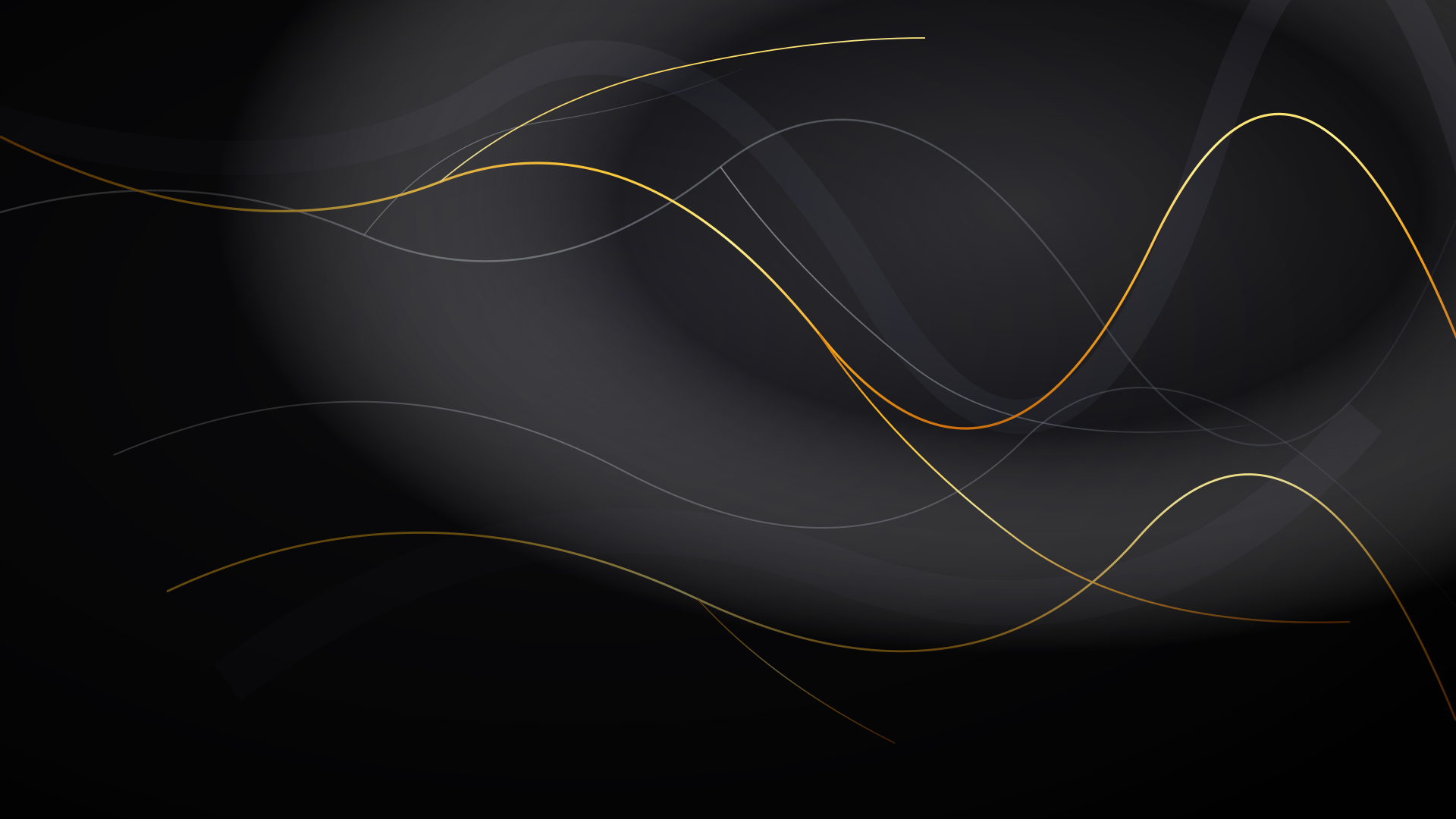
Black Marquina white veins, golden Portoro swirls, and luxurious Carrara mineral stone.
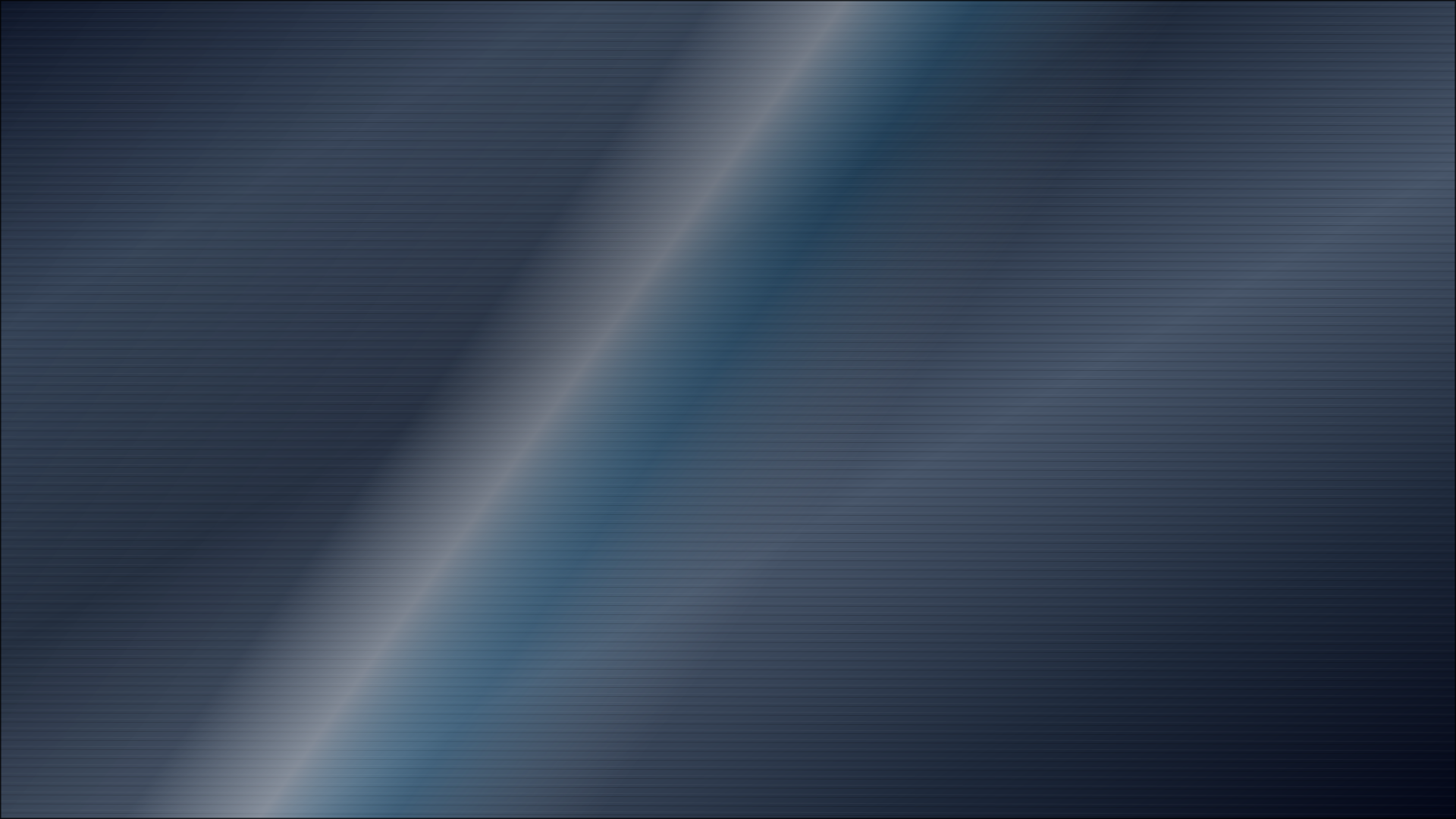
Brushed gunmetal, anodized titanium sheens, and industrial diamond treadplate.

Frosted glassmorphism, fluted ribbed acrylics, and prismatic crystal light refractions.
Raw kraft fibers, Japanese washi parchment, and cold-pressed cotton paper grain.

Luxury midnight velvet, carbon composite weave, and textured charcoal wool tweed.
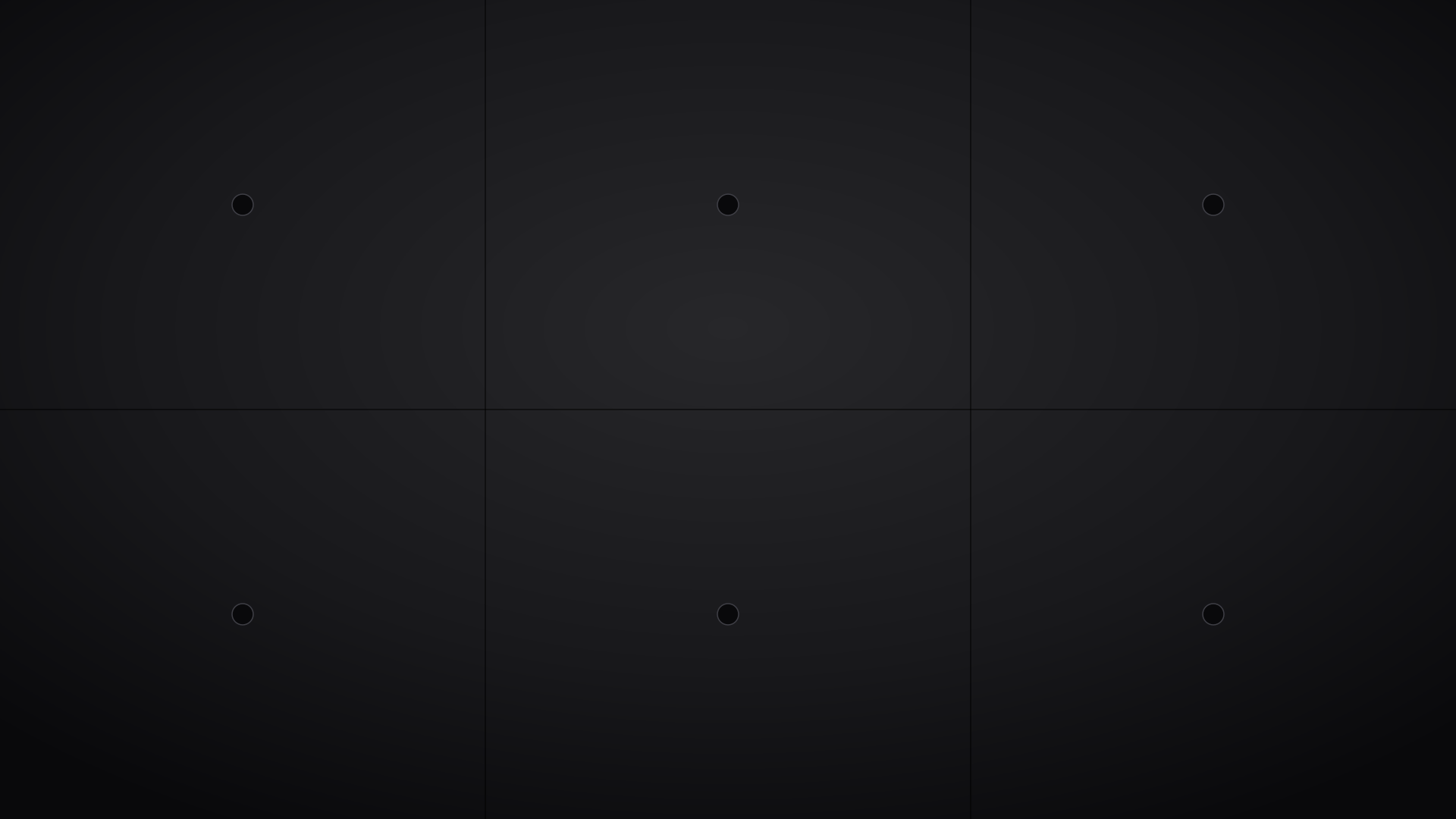
Raw Brutalist poured cement, architectural loft plaster, and weathered industrial stone.
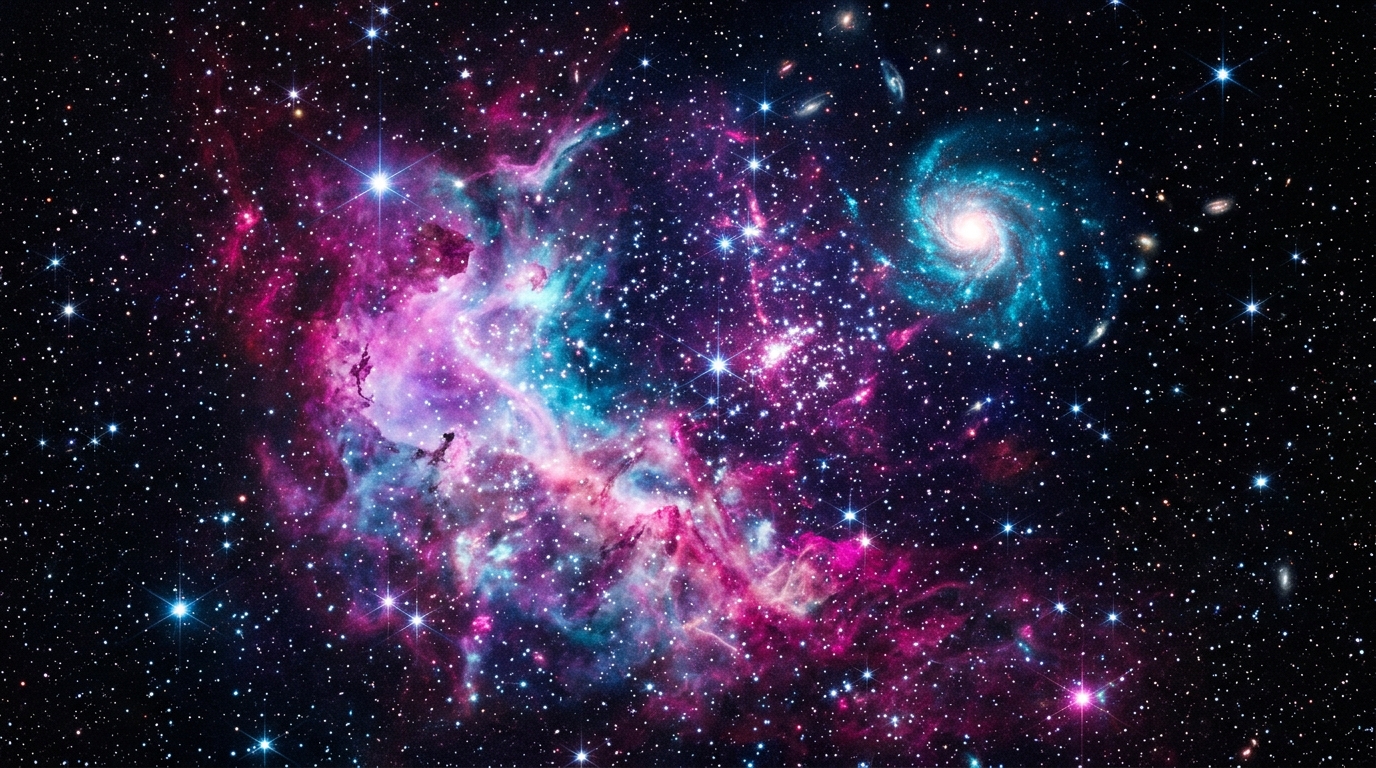
Deep interstellar cosmos, Andromeda starfields, and radiant stellar nebula dust.
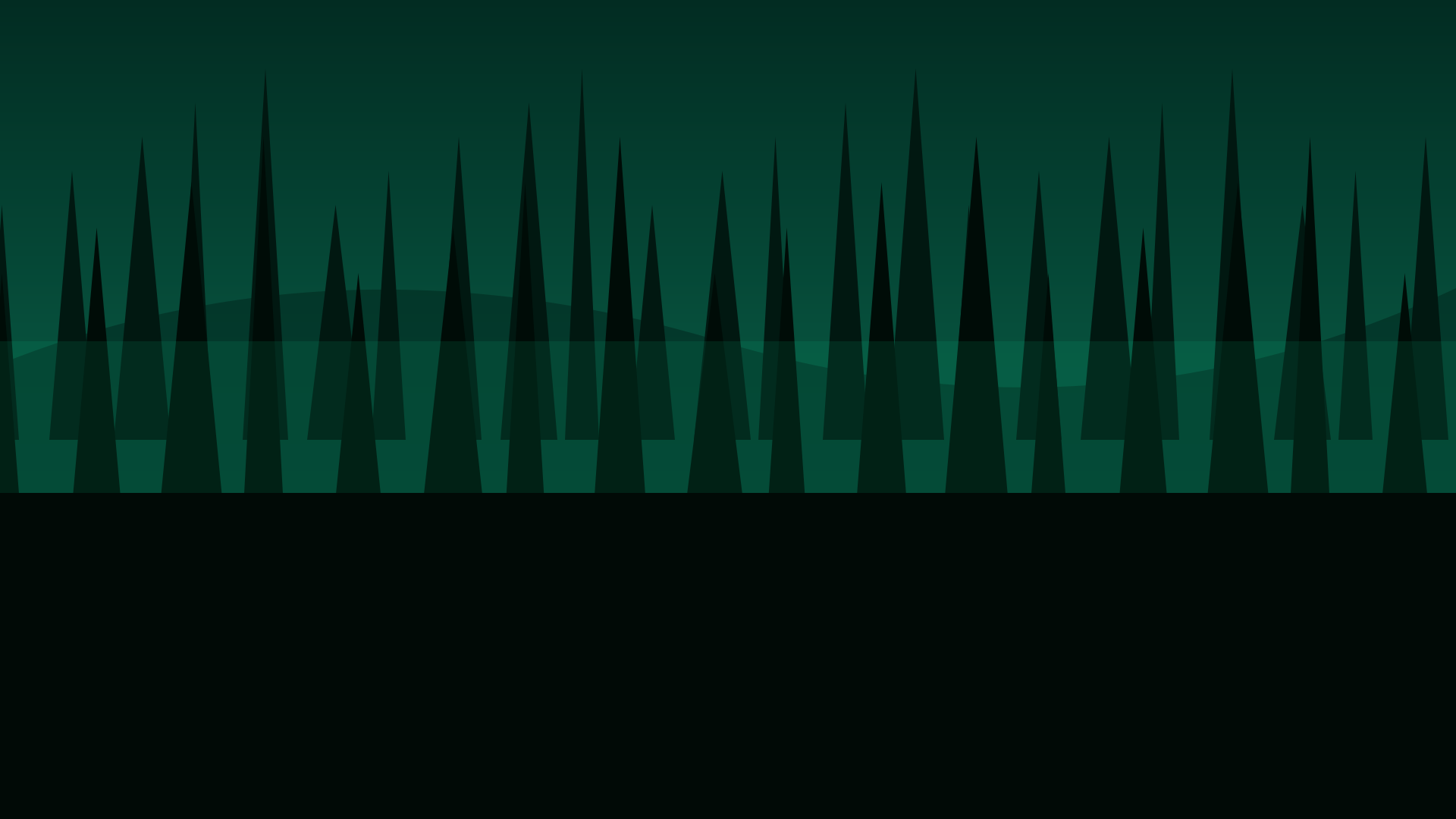
Misty evergreen pine silhouettes, sun-dappled canopy paths, and tranquil redwood depths.
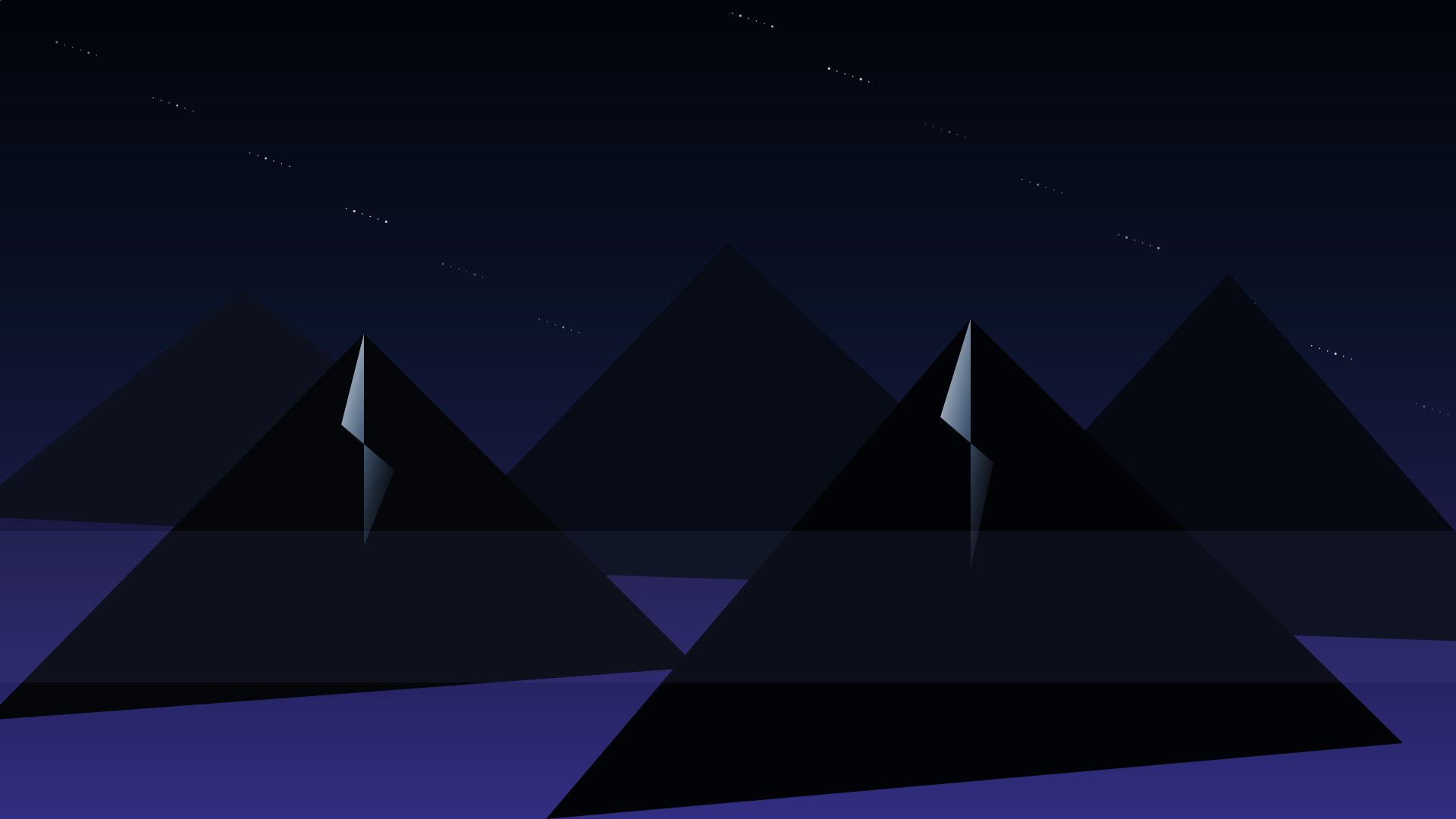
Alpine peak silhouettes, foggy ridge vistas, and golden twilight summit horizons.

Deep twilight horizons, star-filled night sky, and golden hour gradients.
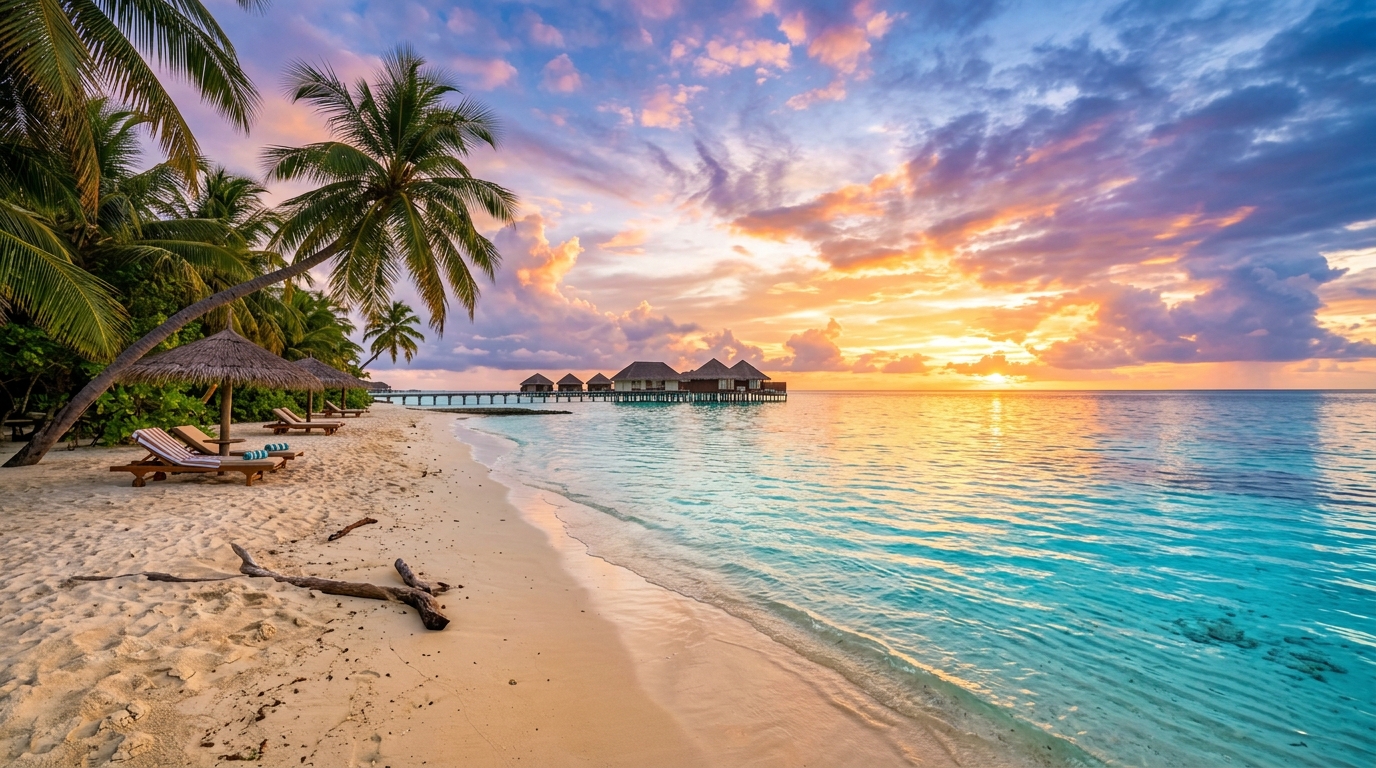
Deep oceanic abyss, calm midnight swells, and bioluminescent aquatic depth.
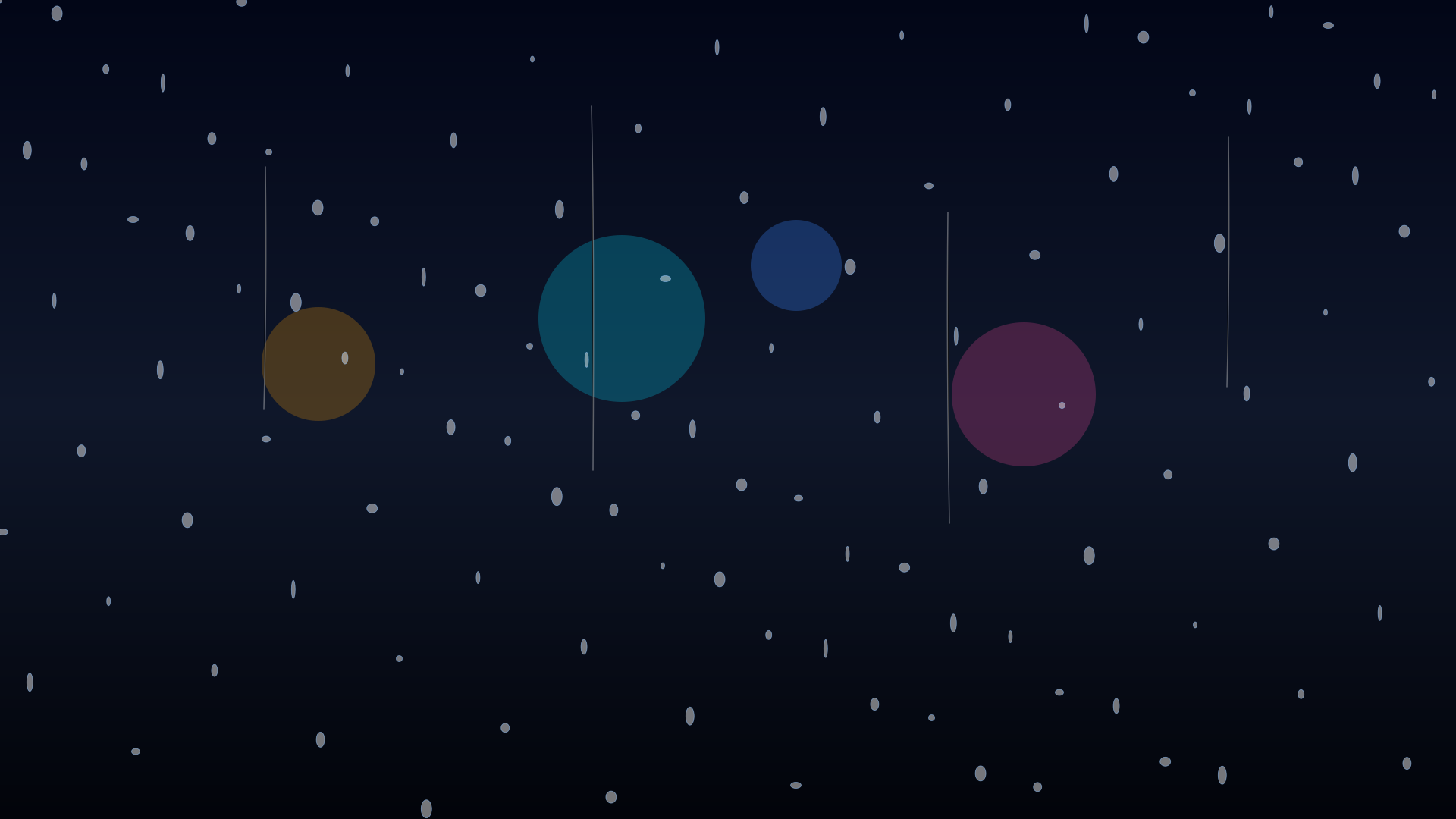
Raindrops streaming on window panes, cozy stormy downpours, and neon rain reflections.

Cyberpunk megacity skylines, neon metropolis night vistas, and Tokyo aerial grids.
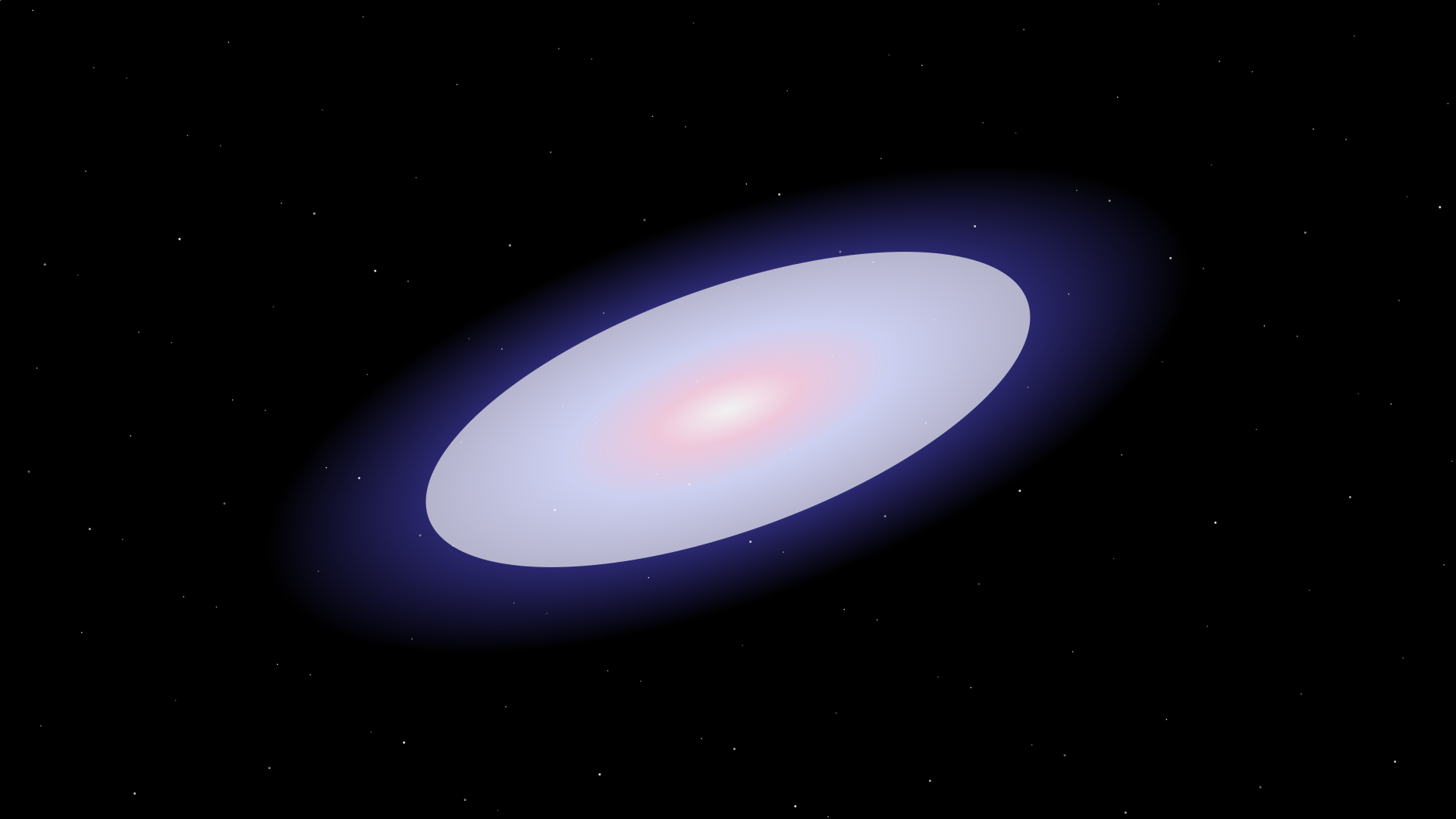
Milky Way cosmic spiral arms, interstellar dust lanes, and galactic core explosions.
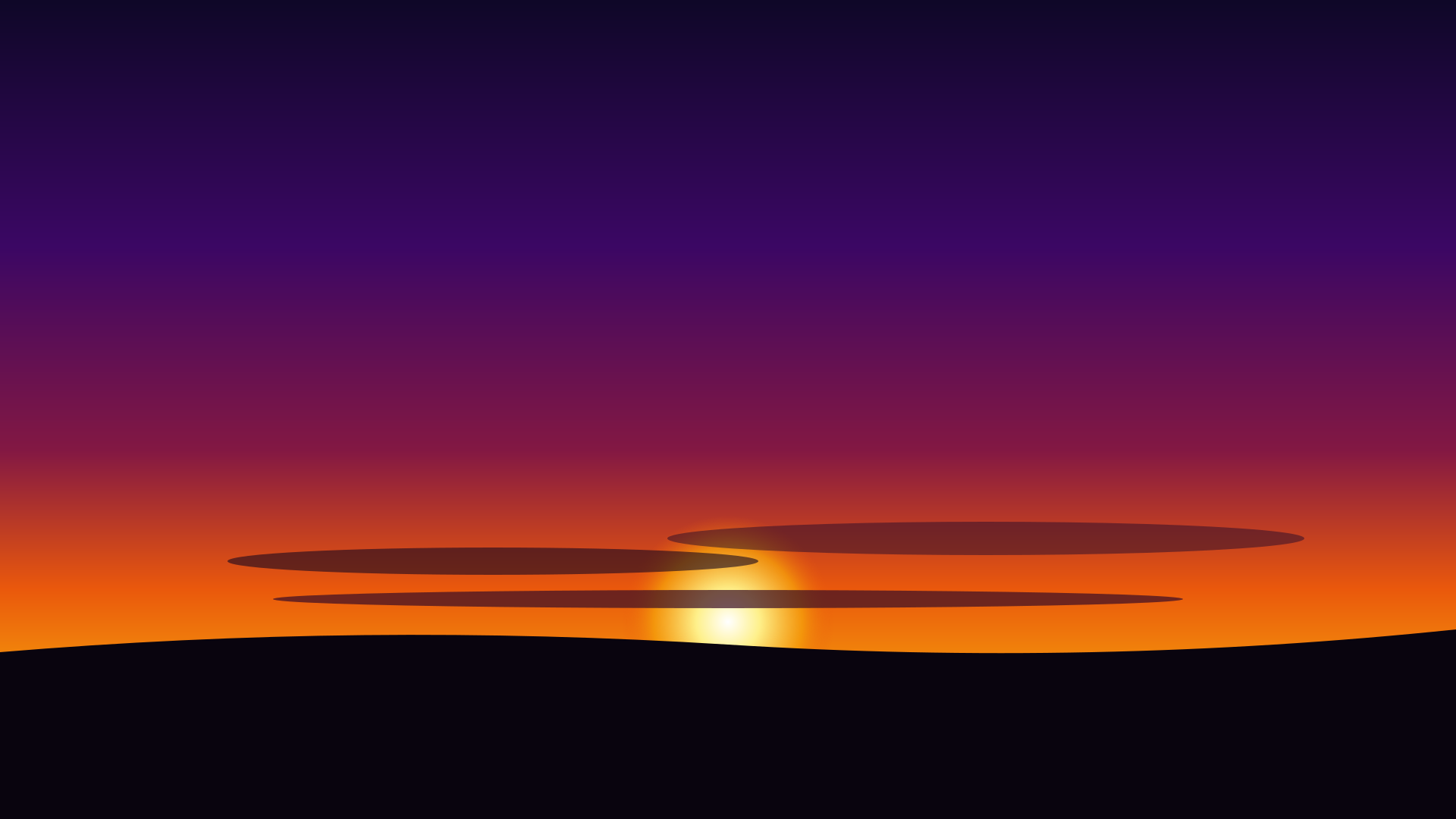
Warm golden hour gradients, crimson dusk horizons, and serene violet twilight skies.
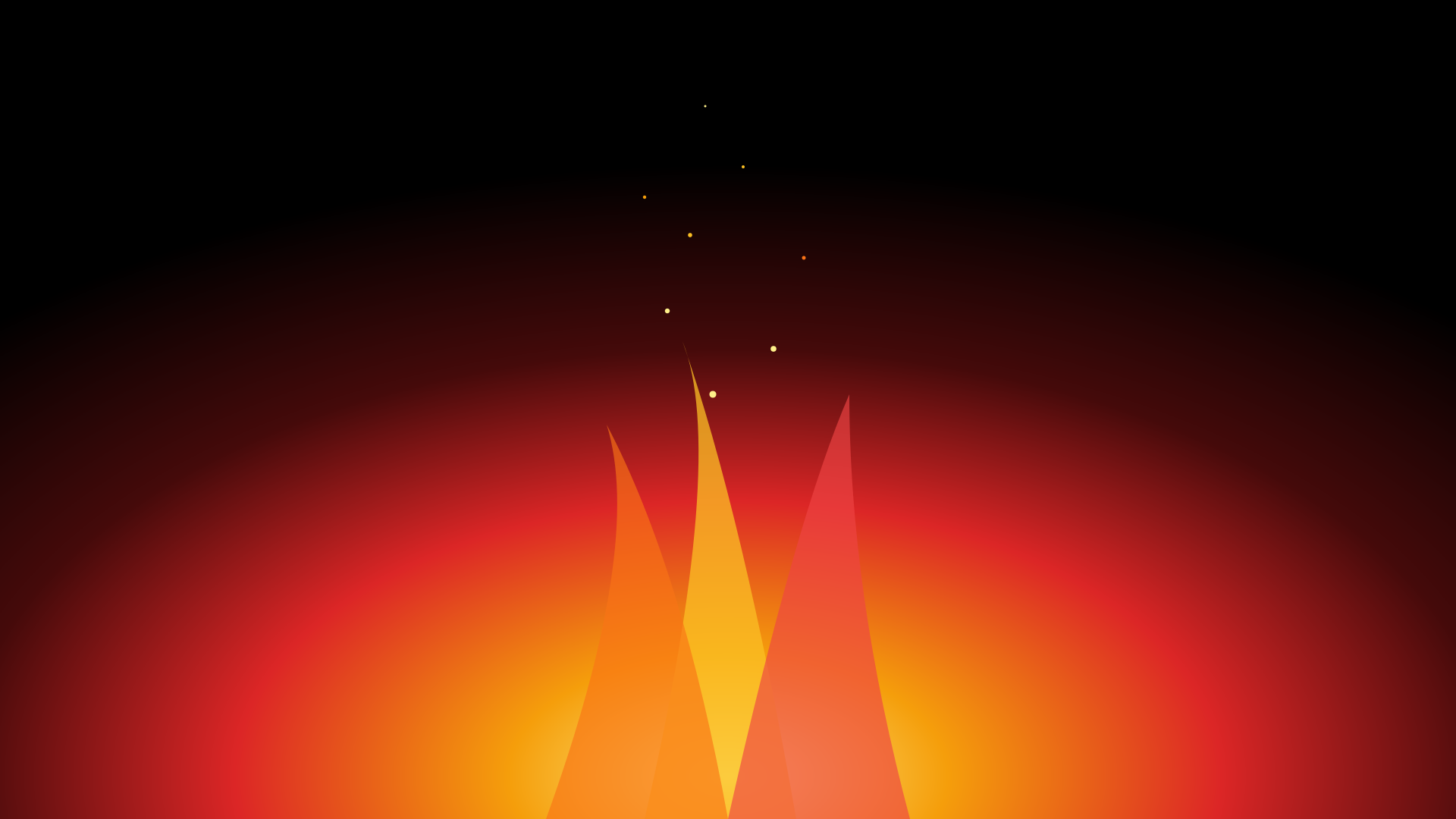
Dancing amber flames, volcanic magma crackles, and glowing ember particles.
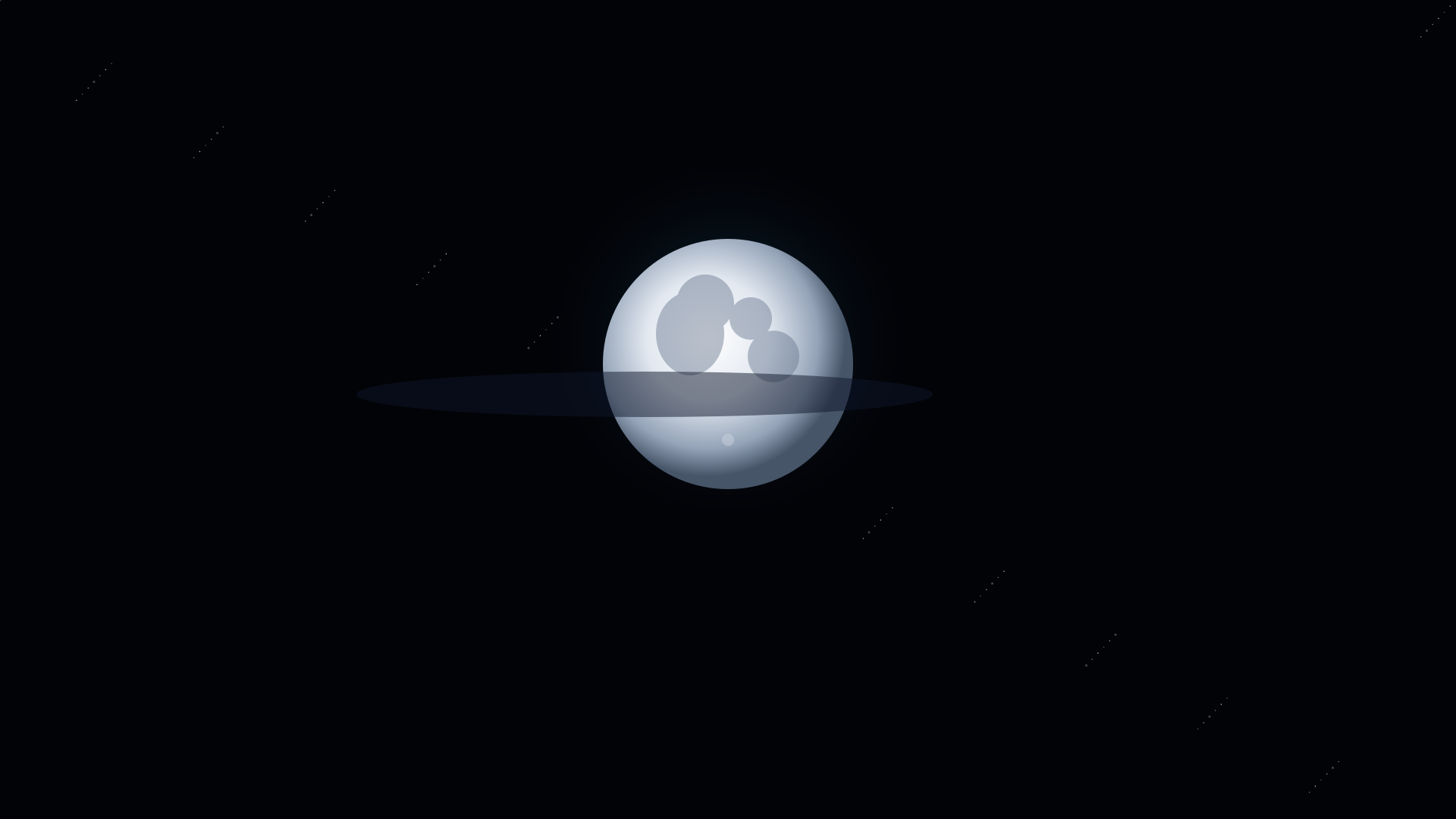
Full moon silver glow, lunar eclipse silhouettes, and starlit nocturnal tides.
Flowing wet-on-wet pigments, gold dust splatters, and organic indigo washes.

Impasto palette knife strokes, classical chiaroscuro masters, and rich textured glazes.

Polished executive boardroom dark, fintech geometric lattice, and clean slide foundations.

Modern architectural loft blur, acoustic wood slat studio, and executive meeting room.

Luxury black & gold foil borders, moody botanical framing, and monogram textured parchment.

Midnight rose gold botanicals, romantic pearl lace, and royal emerald velvet framing.

Festive deep evergreen pine, ruby red holly glows, golden fairy bokeh, and winter starlight.
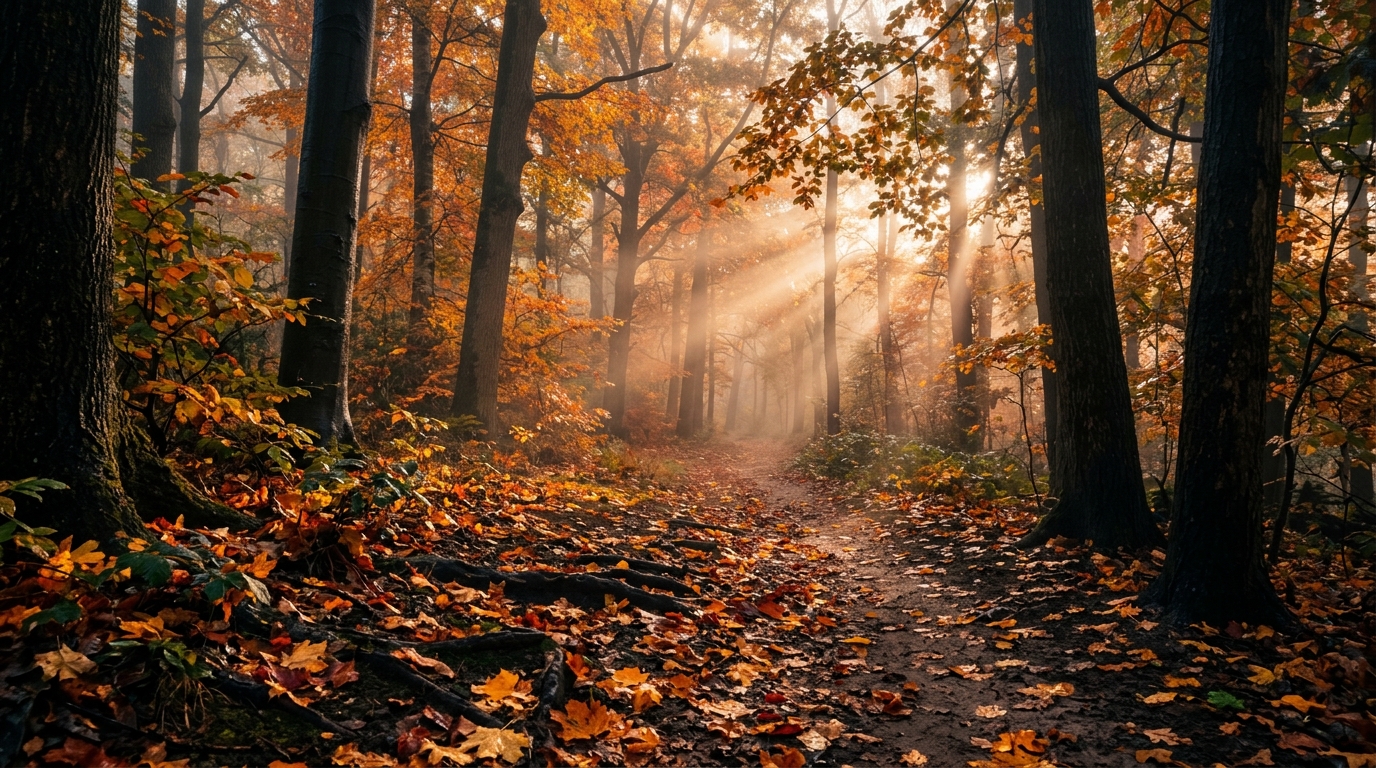
Autumnal amber foliage, burnt pumpkin spice gradients, cozy maple hues, and crisp harvest atmospheres.
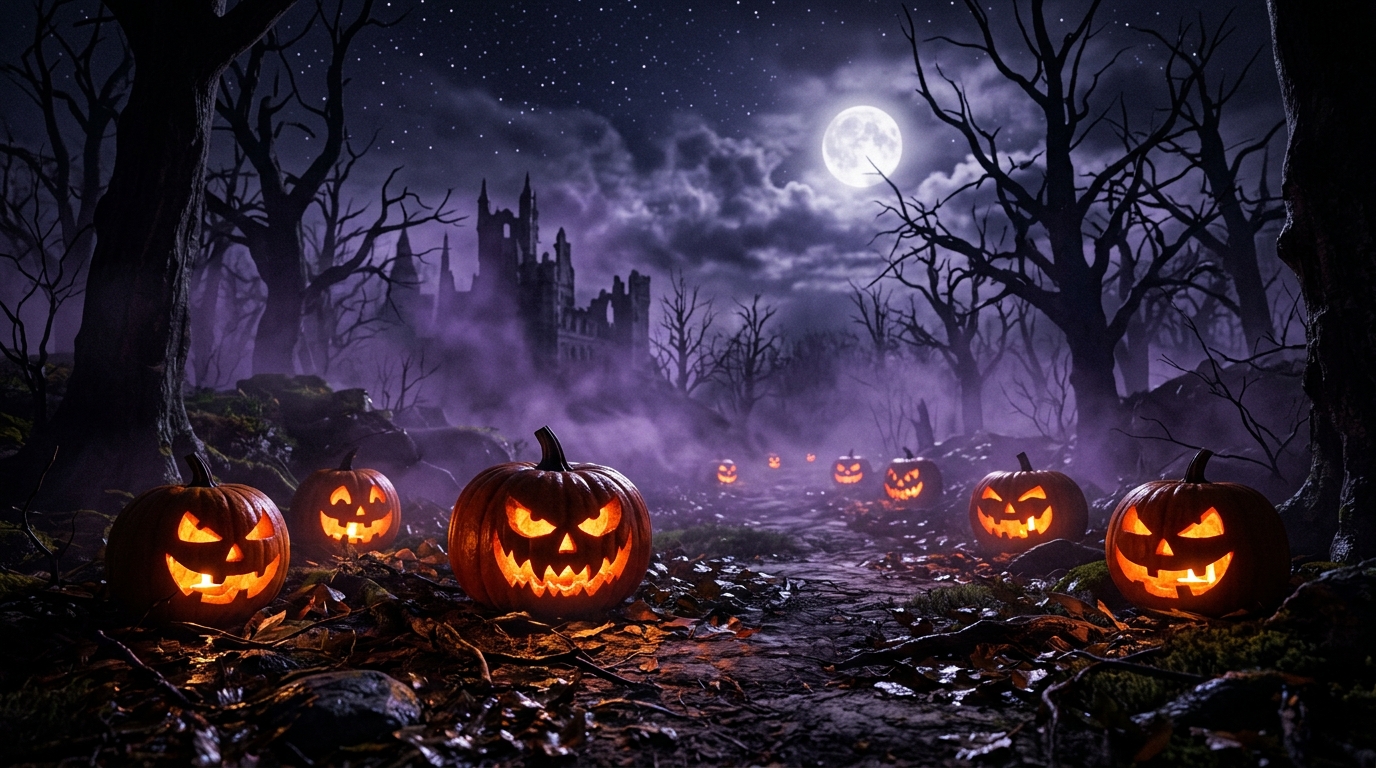
Spooky midnight fog, jack-o-lantern neon pumpkin glow, eerie phantom violet, and dark gothic void.
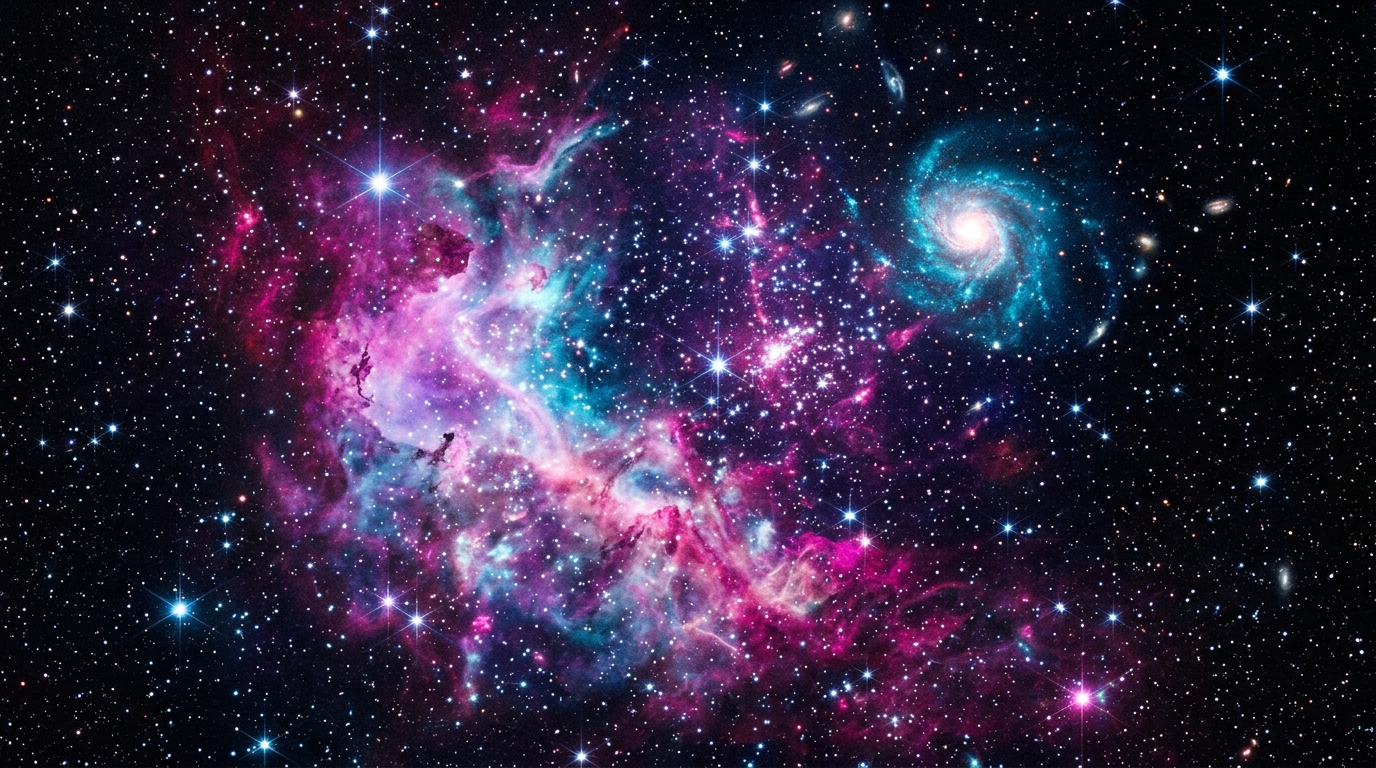
Deep cosmic void, glowing hydrogen nebula clouds, distant star clusters, and deep interstellar vistas.
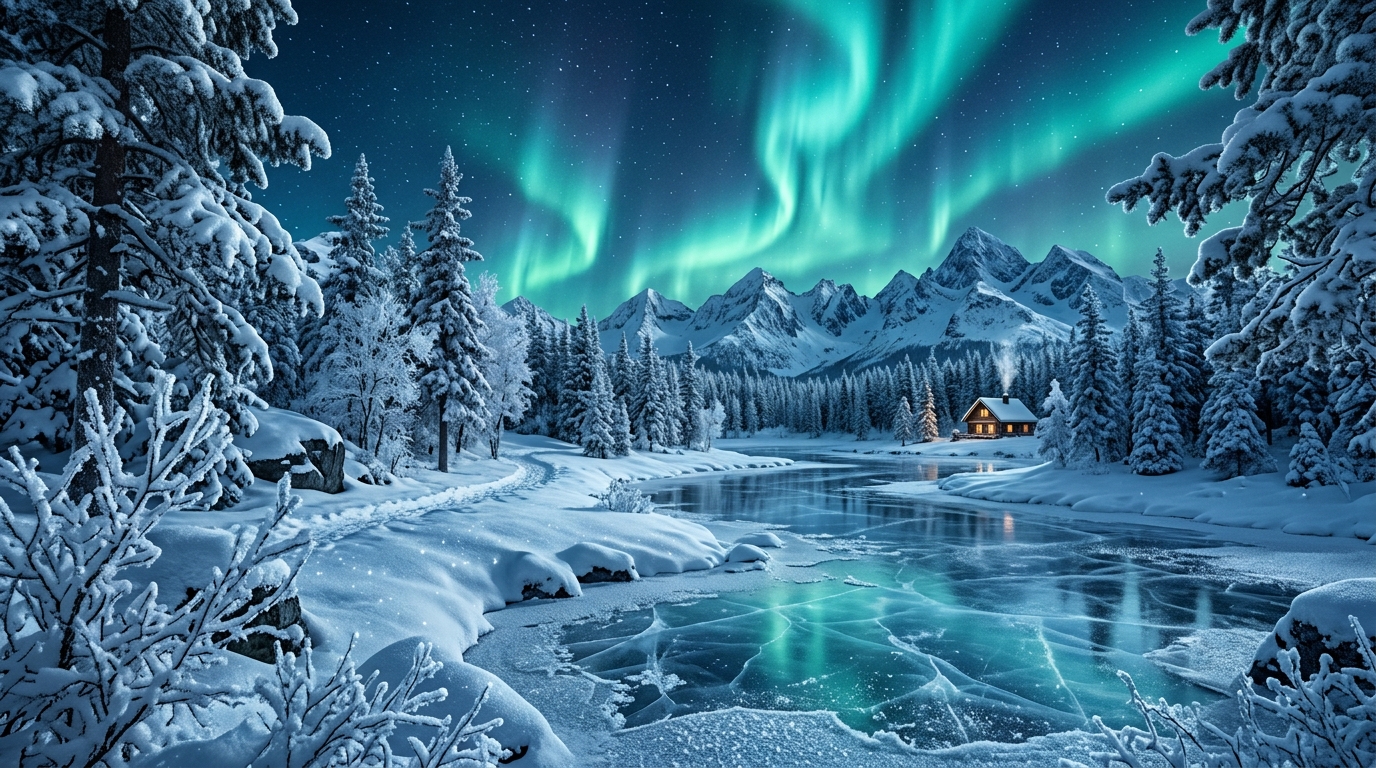
Crystalline frost needles, arctic glacier cyan gradients, silent snowfall, and polar night aesthetics.
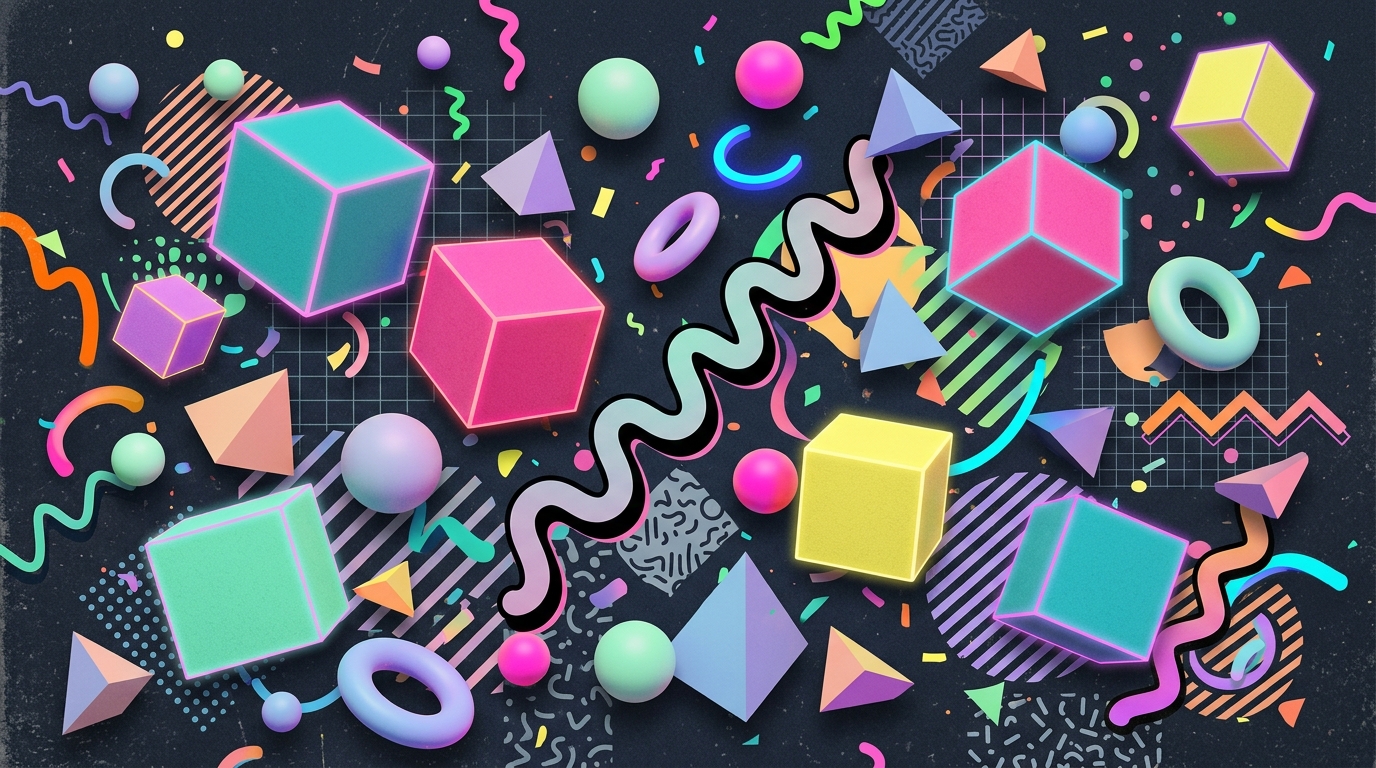
Memphis design geometries, grunge flannel palettes, retro MTV acid gradients, and vaporwave nostalgia.
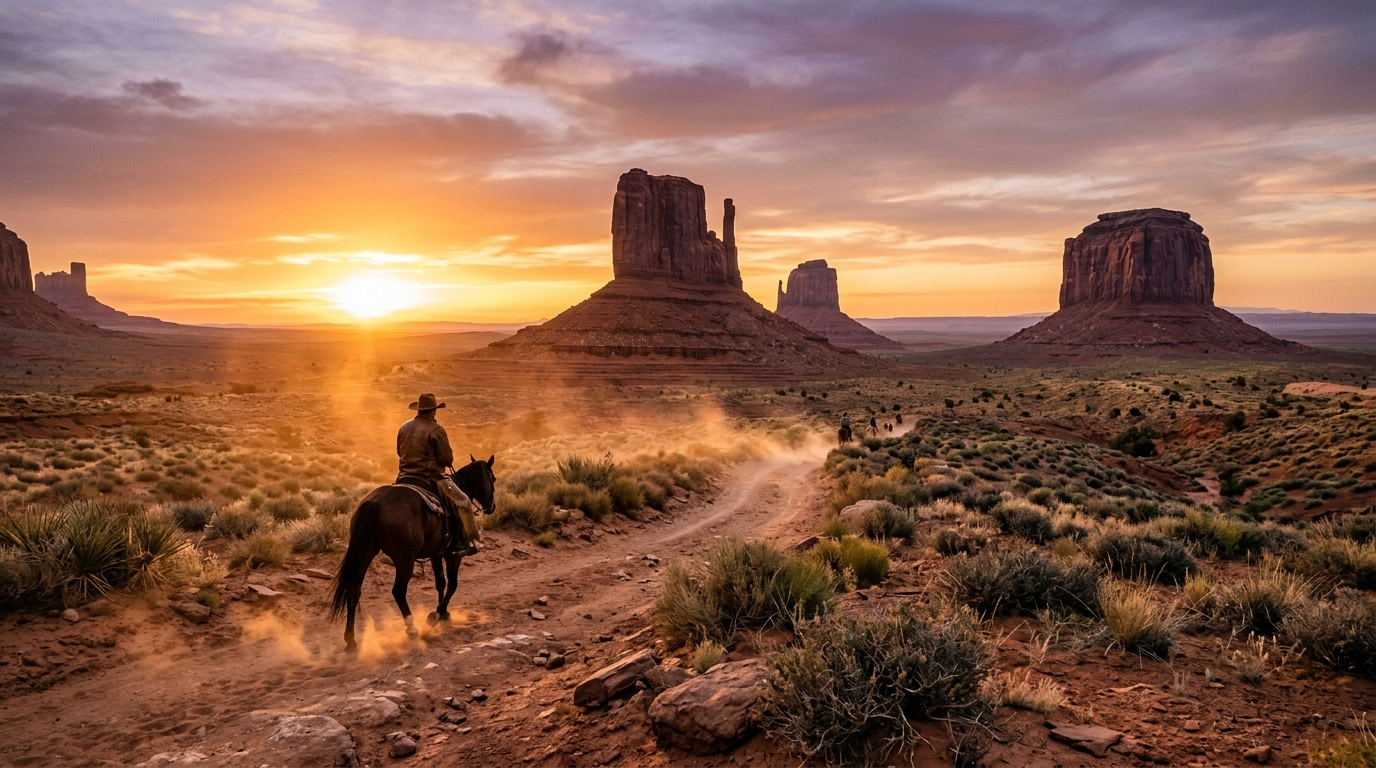
Sun-bleached frontier desert, rustic saddle leather textures, canyon sunset dust, and vintage parchment.
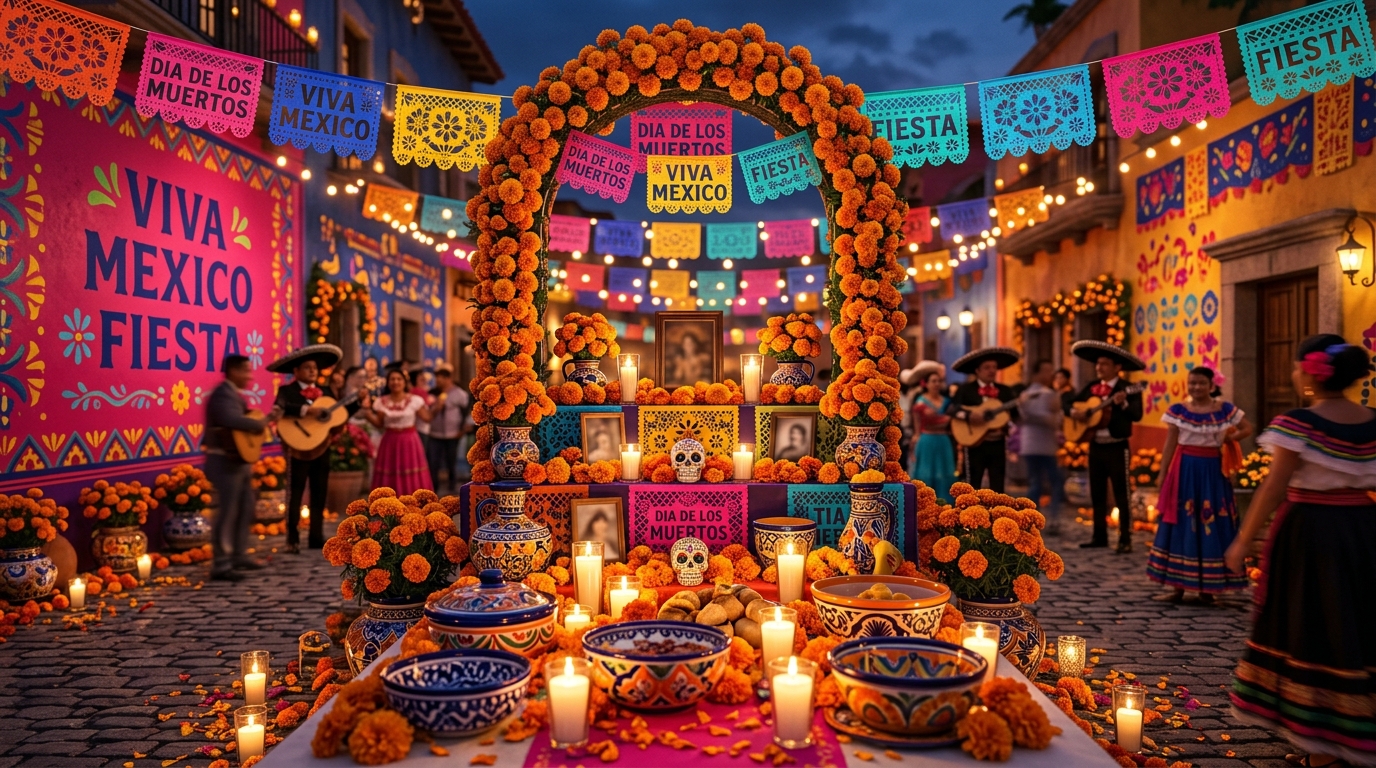
Festive papel picado vibrancy, Talavera tile cobalt, warm terracotta adobe, and marigold Day of the Dead luminescence.

Classic chalkboard slate, clean blueprint grid, collegiate navy & gold, and notebook ruled aesthetic.
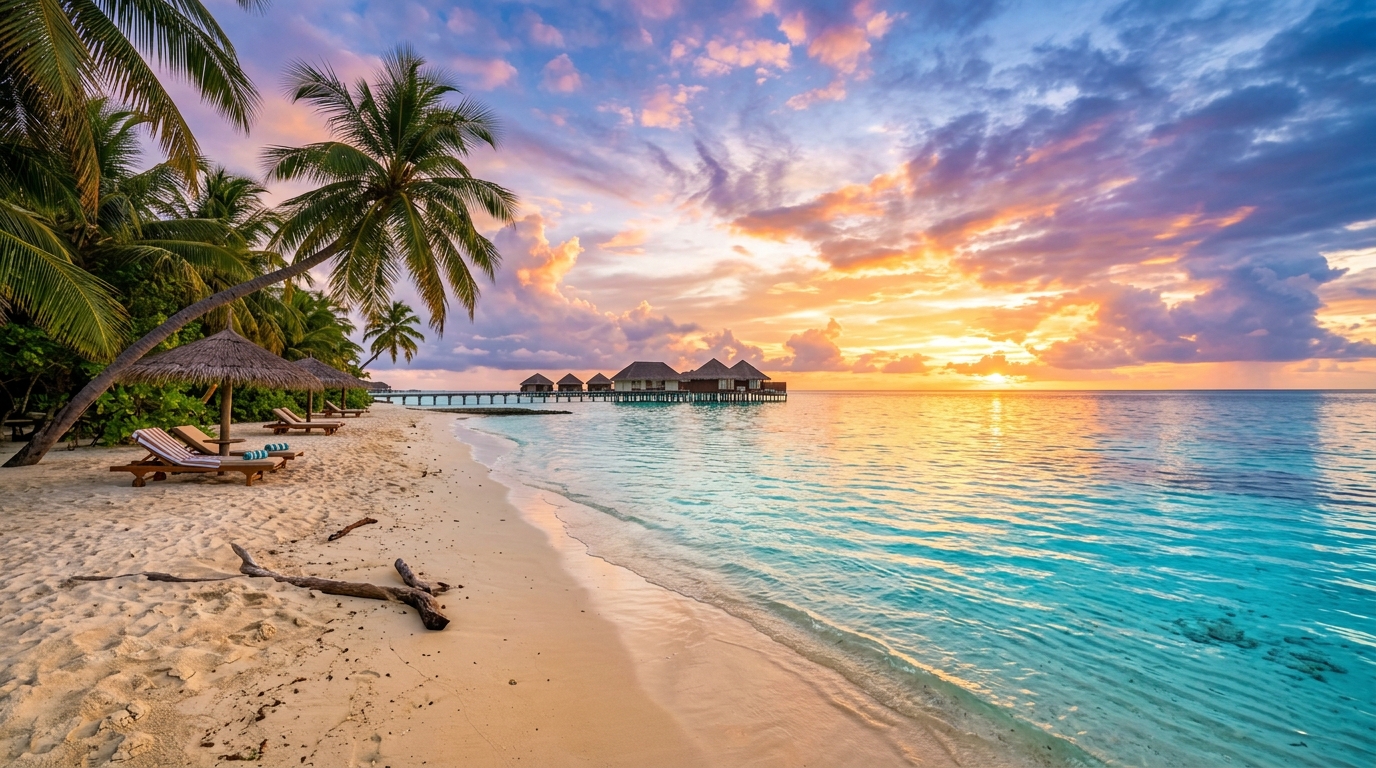
Turquoise tropical lagoon gradients, warm golden sun-kissed sands, gentle ocean foam, and coastal sunset breeze.

Rich harvest cornucopia tones, roasted chestnut browns, cranberry glaze, and warm rustic amber illumination.
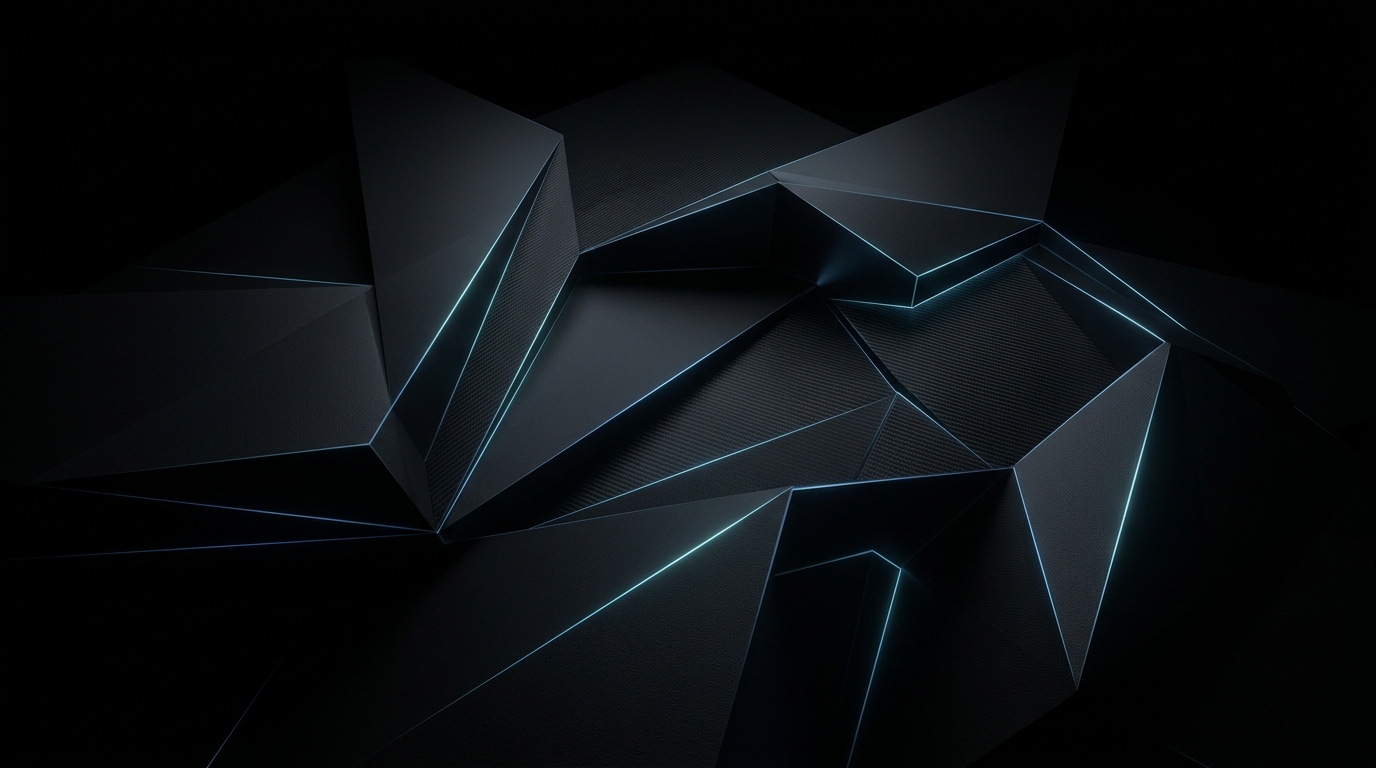
Sleek obsidian gradients, deep charcoal OLED surfaces, subtle edge lighting, and modern matte UI textures.
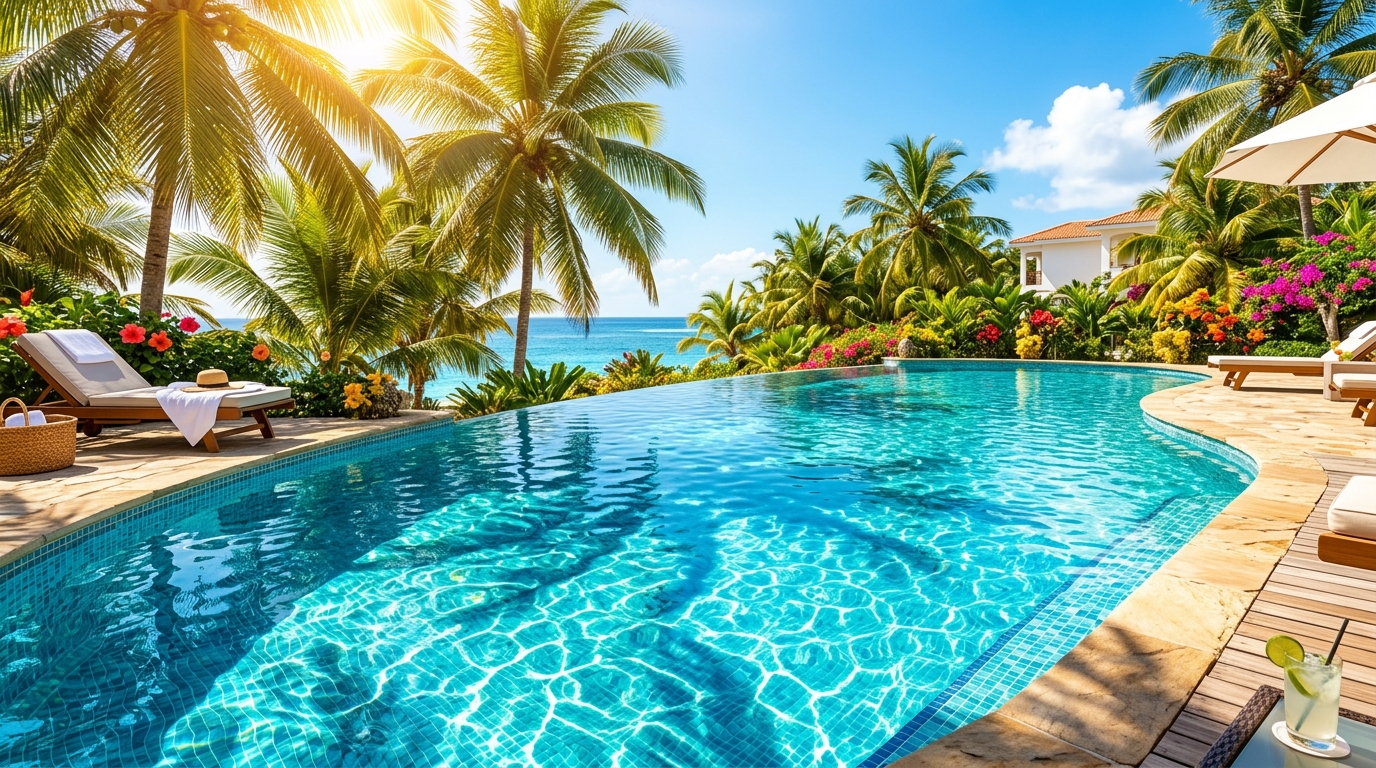
Vibrant sunshine yellows, tropical ocean teal, pool party coral, and balmy sunset palm gradients.

Sparkling festive gold glitter, champagne bubbles, celebratory confetti bokeh, and midnight elegance.
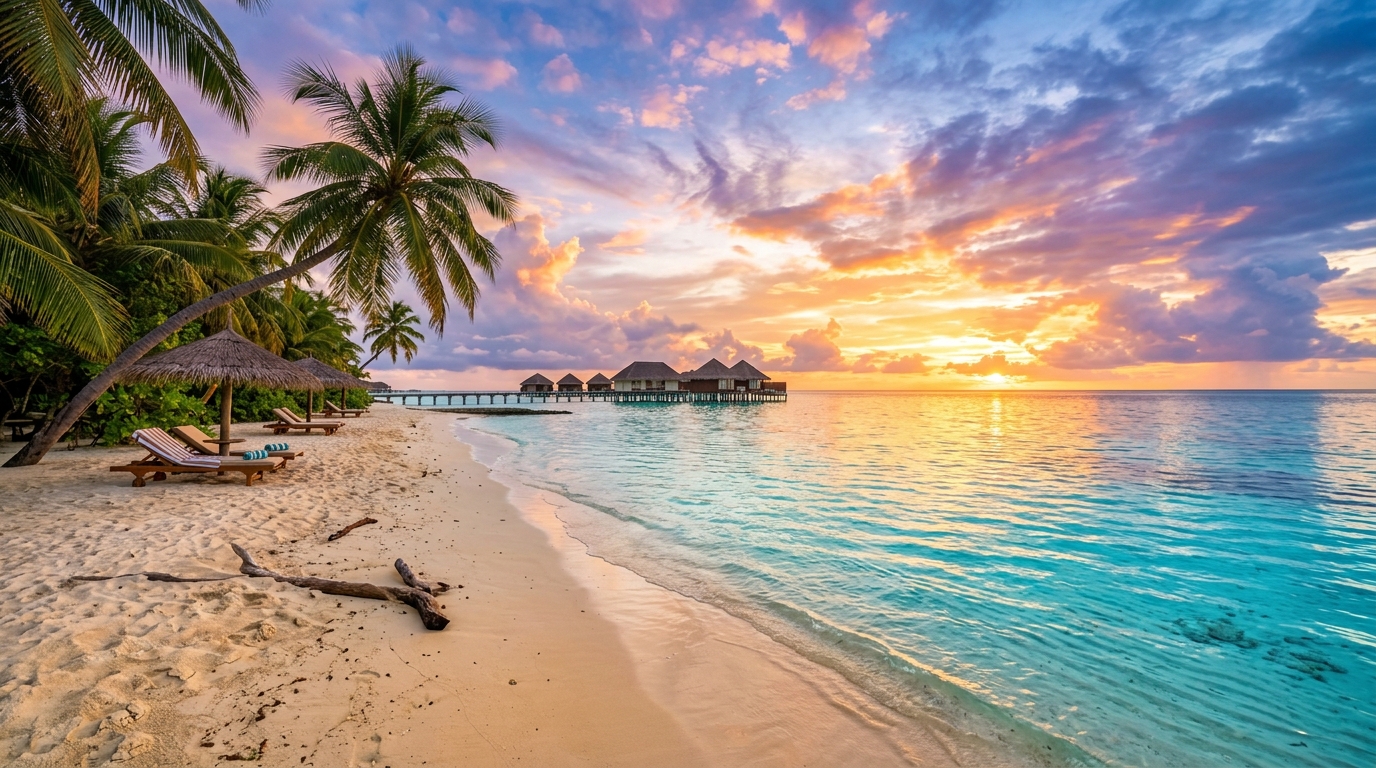
Deep oceanic abyss, bioluminescent marine glow, gentle rolling swells, and clear turquoise depth.
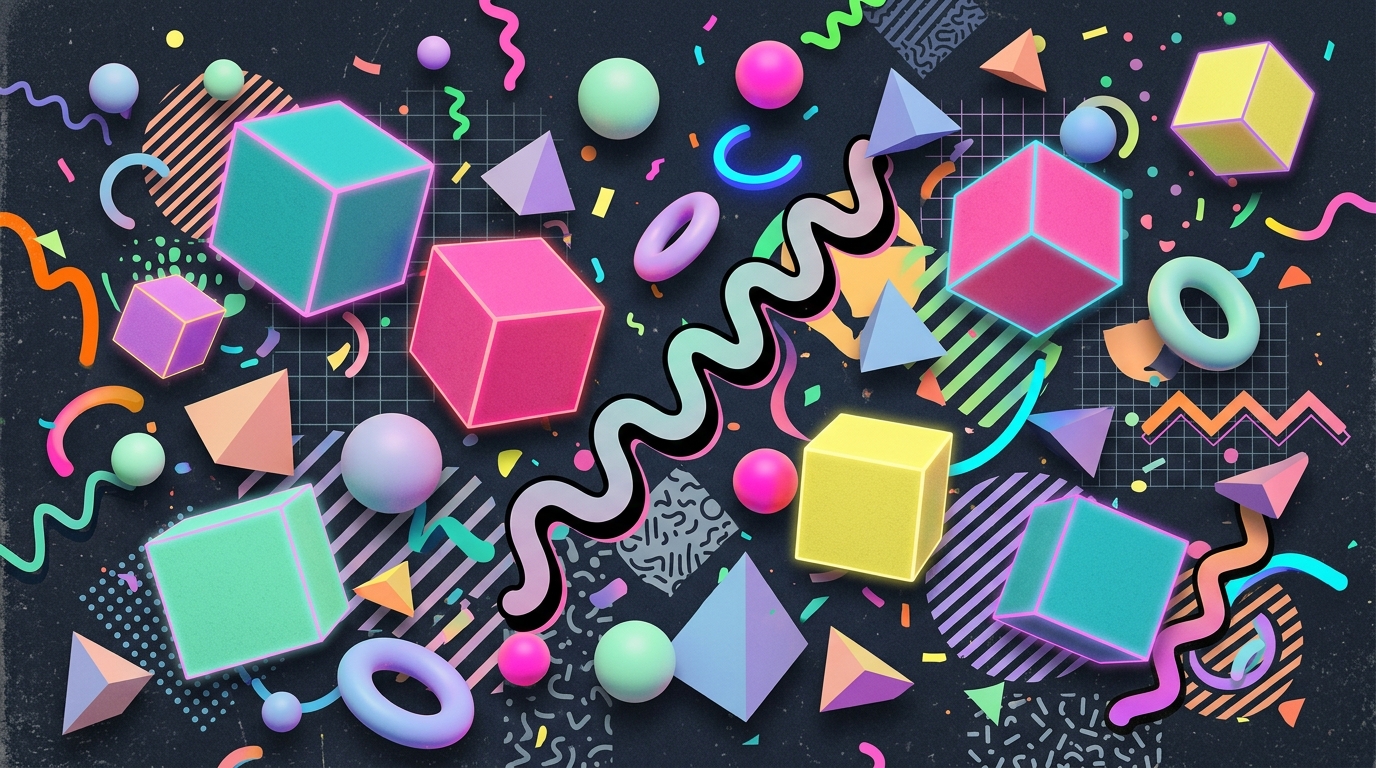
Outrun synthwave neon, wireframe horizon grids, chrome reflection gradients, and retro cassette aesthetic.
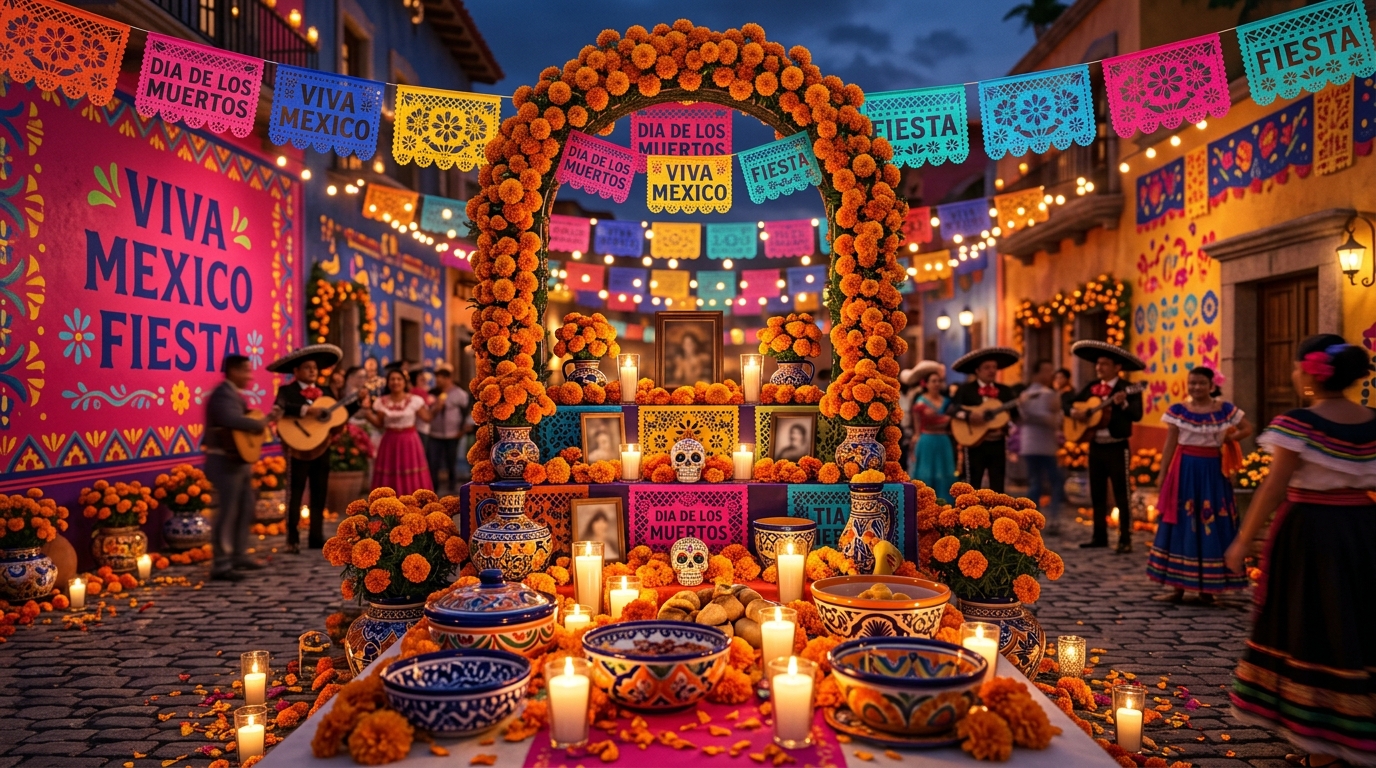
Dazzling midway marquee bulb lights, vintage circus stripe tents, carousel gold, and festival night excitement.
No backgrounds match your active filters.
Try switching between "All Collections", "Gradients", or "Themes".